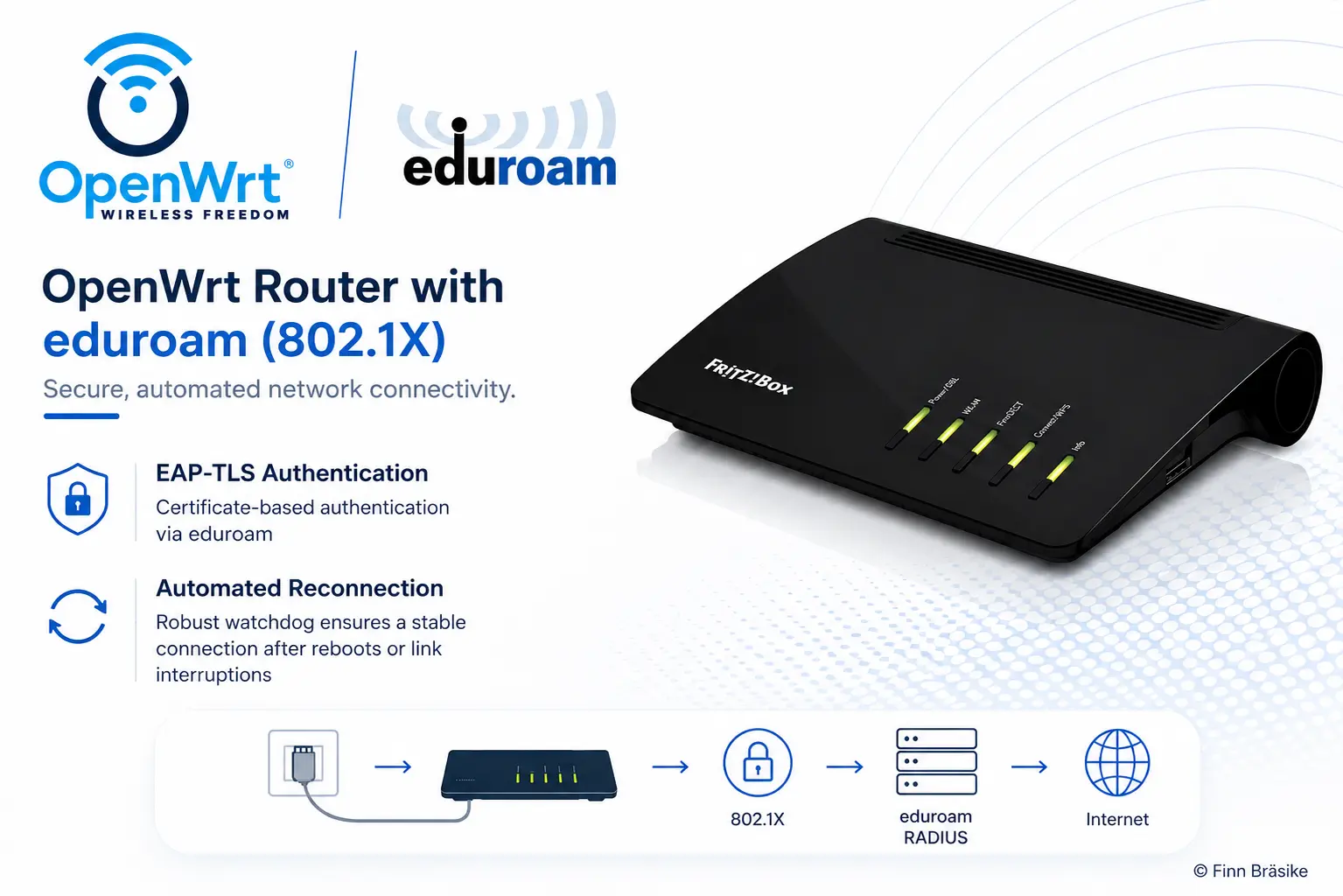
Overview
This project started after a friend of mine moved into a student dormitory where internet access was only available through a wired eduroam-enabled Ethernet port.
Instead of authenticating a laptop manually every time, I wanted to build a small autonomous router that could handle the university authentication itself and provide a stable private network for multiple devices.
The system runs on a cheap consumer router with OpenWrt and authenticates directly against the university infrastructure using wired 802.1X EAP-TLS authentication.
One of the most difficult parts of the project was that almost no reliable documentation existed for this exact setup. Most guides online only covered desktop Linux clients, normal Wi-Fi-based eduroam authentication or expensive enterprise routers and not alternatives like consumer routers using certificate-based wired authentication, for one single reason: There is simply no device capable of doing that. So I figured it out myself, with OpenWrt.
A large part of the project therefore became reverse engineering, debugging and experimenting with:
- wpa_supplicant
- OpenWrt networking internals
- boot timing issues
- DHCP behavior
- interface handling
- and automatic recovery after failed authentication attempts
The final result is a fully autonomous OpenWrt router that automatically reconnects after reboots and behaves like a small self-managing enterprise networking appliance.
Features
- wired 802.1X authentication using EAP-TLS
- direct eduroam authentication on OpenWrt
- automatic reconnection after reboots
- watchdog logic for delayed network availability
- private WLAN & LAN network for multiple devices
- remote management using Tailscale VPN
- embedded Linux deployment on consumer router hardware
- extensive low-level debugging and networking analysis
- built in an area with barely any usable online documentation
Tech Stack
- OS: OpenWrt
- Authentication: 802.1X / EAP-TLS
- Networking: wpa_supplicant, DHCP, Linux networking
- Remote Access: Tailscale, SSH, LuCI
- Security: PKCS12 certificates, TLS chains
- Hardware: AVM FRITZ!Box 7520/7530
- Environment: embedded Linux
Why I Built This
I built this project because I wanted to help my best friend and enjoy solving unusual tech and networking problems, especially in environments where there is little existing documentation available.
What interested me most about this setup was that it combined:
- embedded Linux
- enterprise authentication
- low-level networking
- and real-world deployment constraints
Most of the project involved figuring things out through experimentation, packet-level debugging and testing different startup and recovery strategies until the connection became fully reliable.
That process ended up being far more interesting (and time consuming) to me than simply following an existing guide.